Adobe Acrobat is the original and still-dominant PDF editing suite, used across nearly every industry for editing, converting, signing and protecting PDF documents -- in AEC specifically, it's the default tool for redlining drawing sets, filling out permit and submittal forms, and combining documentation into a single deliverable PDF. It's sold as a subscription, with separate tiers for individuals and teams and a free Acrobat Reader for viewing/signing only.
Its core editing, form-filling, conversion and e-signature tools are considered reliable and accurate, and as the format's originator, Acrobat remains the safest choice for guaranteed PDF compatibility with any recipient.
The most consistent friction is around the subscription model itself: it can be resource-heavy on older hardware, and the free tier only covers basic viewing/signing -- the useful editing and conversion tools require a paid plan.
Very shallow for basic tasks -- viewing, signing, and simple annotation are immediately intuitive to anyone who has used a PDF reader before.
The deeper editing, batch-processing and form-design tools take longer to find and use well, since Acrobat's feature set has grown very large over two decades.
Key Features
✓Edit Text & Images in PDFs
✓Convert PDFs to Word/Excel/PowerPoint
✓Create, Fill & Sign Forms
✓Built-In E-Signatures
✓AI Assistant (Acrobat Studio plan)
✓Protect & Redact Sensitive Content
Pros
Highly accurate editing and conversionPDF-to-Word/Excel/PowerPoint conversion and in-place text/image editing are dependably accurate.
Reliable e-signatures and form toolsBuilt-in signing and fillable-form creation are convenient enough to replace separate e-signature software for many workflows.
Universally compatible file formatAs the format's originator, Acrobat-produced PDFs are the safest bet for compatibility with any recipient's PDF reader.
Deep integration across the Adobe ecosystemWorks smoothly alongside other Adobe Creative Cloud apps for teams already standardized on Adobe tools.
Cons
Resource-heavy on older hardwareCan run slowly and consume significant RAM, particularly with large PDFs or on lower-spec machines.
Most useful features are paywalledThe free Reader tier covers basic viewing/signing only -- editing, conversion and advanced tools require a paid Acrobat Pro subscription.
Subscription is annual-commitment by defaultPlans typically lock into an annual term unless cancelled within an initial window -- read the terms before subscribing.
Screenshots
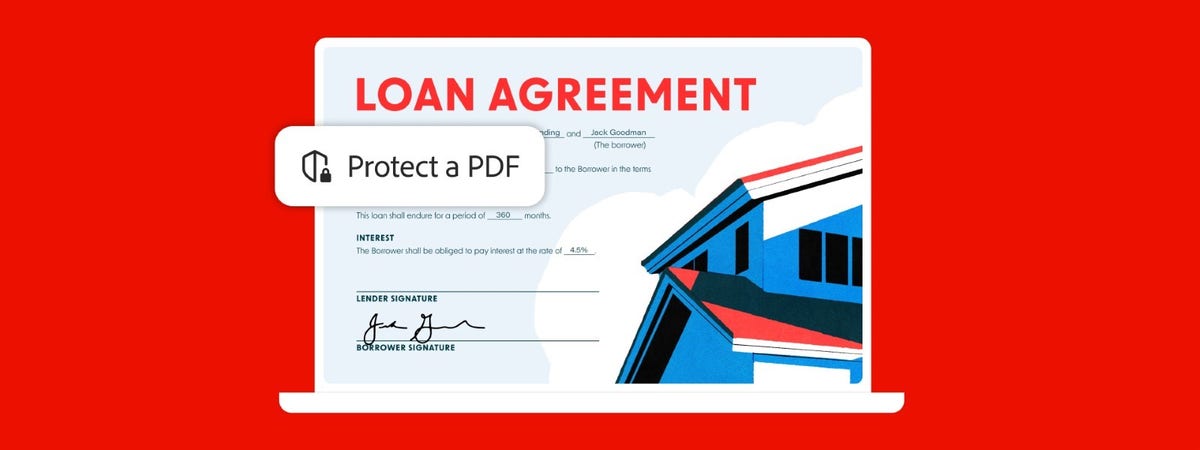
🖼 Adobe Acrobat's "Protect a PDF" feature callout, from adobe.com
Common Feature Checklist
Cloud / Web Access✓ Yes
Real-Time CollaborationNot confirmed
Mobile App✓ Yes
Free Educational LicenseNot confirmed
Public API / IntegrationsNot confirmed
Best For
Teams needing universal PDF compatibilityThe safest choice when documents need to open correctly for any recipient, on any device.
Contract, form and submittal-heavy workflowsFillable forms, e-signatures and redaction cover most day-to-day document-handling needs in a single subscription.
Firms already on Adobe Creative CloudBundled pricing and workflow integration make more sense if the firm already pays for other Adobe apps.
Consider Alternatives If
You only need construction-specific markup and takeoffBluebeam Revu is built specifically around construction drawing review and takeoff, rather than general-purpose PDF editing.
Cost is the deciding factor for occasional useFree or low-cost PDF editors cover basic editing needs if Acrobat Pro's full feature set isn't required.
You want to avoid an annual subscription commitmentConfirm the exact cancellation terms before subscribing, since plans typically default to an annual term.
Frequently Asked Questions
Is Adobe Acrobat free?
Acrobat Reader (viewing and basic signing) is free. Editing, converting, and the full feature set require a paid Acrobat Pro or Acrobat Studio subscription.
How much does Adobe Acrobat cost?
Plans start around $14.99–$19.99/mo for individuals and roughly $16.99–$19.99/user/mo for teams, depending on the tier and current promotions -- confirm current pricing on adobe.com.
Is it hard to cancel an Adobe Acrobat subscription?
Plans typically default to an annual commitment unless cancelled within an initial window -- review the cancellation terms carefully before subscribing.
Is Adobe Acrobat better than Bluebeam for construction?
For construction-specific markup, takeoff and drawing-set review, Bluebeam targets that exact workflow, while Acrobat is a general-purpose PDF tool that also handles it adequately.
Does Adobe Acrobat run slowly?
It can, particularly on older or lower-spec hardware and with large PDF files.
Used By
Extracted from adobe.com or confirmed directly by the firm -- not independently verified by BIM•STACK beyond that.
Community Rating
☆☆☆☆☆No ratings yet
Be the first to rate it
Thanks for rating Adobe Acrobat!
Pricing
Free trial available
$19.99/mo
Acrobat Pro plan, annual commitment billed monthly
Pricing found on Adobe Acrobat's own site in September 2026. Software pricing changes often — always confirm the current price on the vendor's site before buying.
Score Profile Prototype
Price7.5/10$19.99/mo sits in the "low" price band in our catalog — high score for affordability.
Learning Curve8.5/10A near-universally familiar PDF tool with minimal onboarding — draft estimate.
IFC / openBIM0.5/10A general PDF viewer/editor, not a BIM or IFC tool at all — draft estimate.
Collaboration6/10Shared review/commenting via Acrobat cloud, not real-time model collaboration — draft estimate, compareFeatures unconfirmed.
Plugins4/10Some AEC-specific PDF plugins exist but not a core ecosystem like Revit's — draft estimate.
Performance8/10Lightweight PDF handling rather than large 3D model datasets — draft estimate.
This is a prototype, not a published score. Only the Price axis is derived from a verified catalog field (priceBand); the other axes are draft editorial estimates awaiting vendor/third-party sourcing before this ships publicly.