4 min read · Updated Sept 2026
There are really only four platforms doing full, real BIM at this point — everything else on the market is either a lighter CAD tool wearing "BIM" as a marketing word, or a specialty plugin that assumes you already have one of these four underneath it. Below is how they actually differ, not the version you'd get from each vendor's own sales page.
Full BIM Platforms
All four handle multidisciplinary modeling, documentation and coordination at a technical level — nobody's going to be blocked from doing their job on any of these. What actually separates them in practice is platform support (does it run on the machines your team already owns), price, and how deep they tie into software you're already using elsewhere.
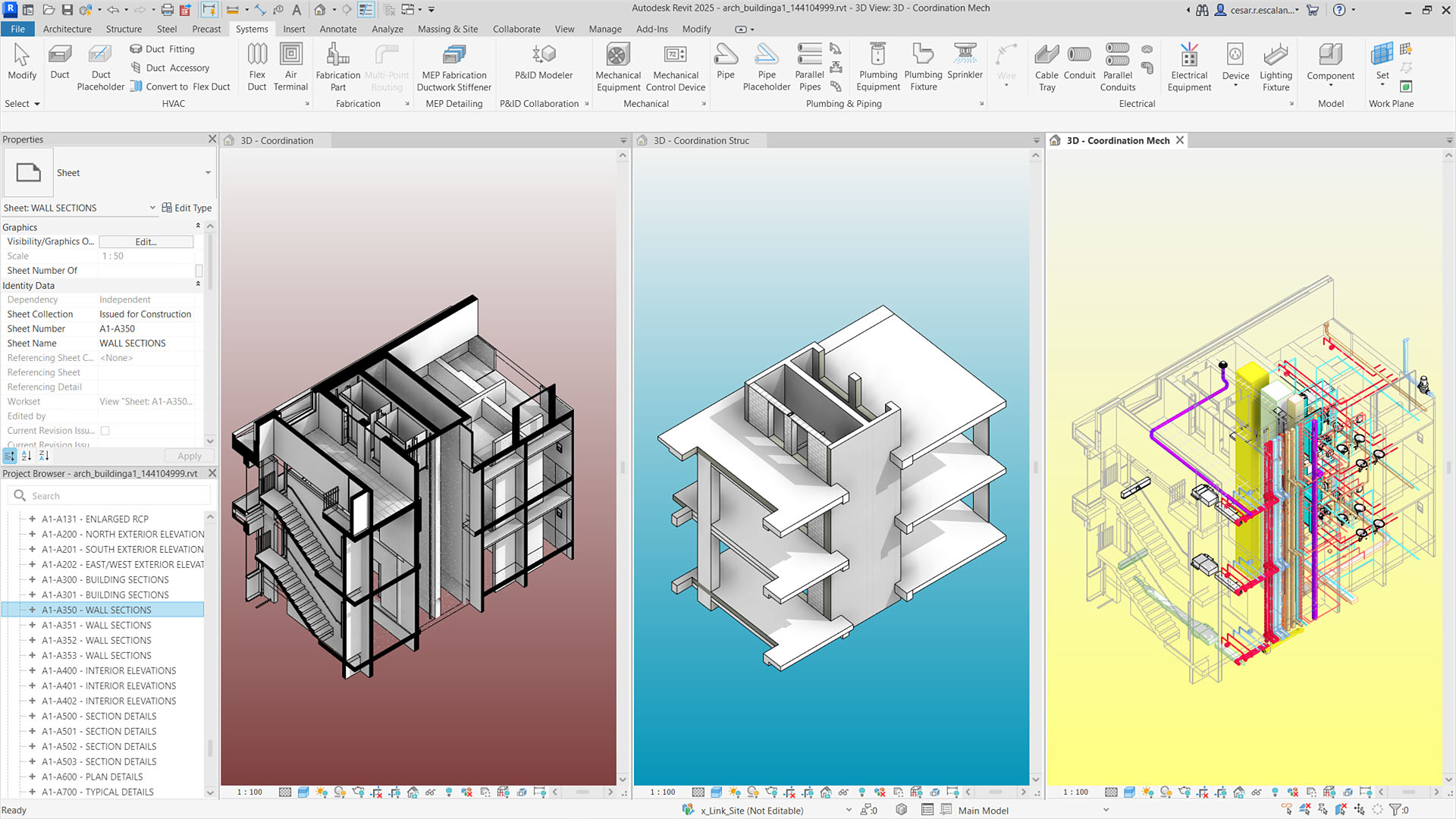
Revit's linked architectural, structural and MEP coordination views, from autodesk.com
BIM$251/mo
The industry-standard BIM platform, deeply tied to the rest of the Autodesk ecosystem (AutoCAD, Civil 3D, Autodesk Forma). It has the largest plugin ecosystem and talent pool of any BIM tool, but it's Windows-only and has the steepest learning curve of the four.
View review & pricing →
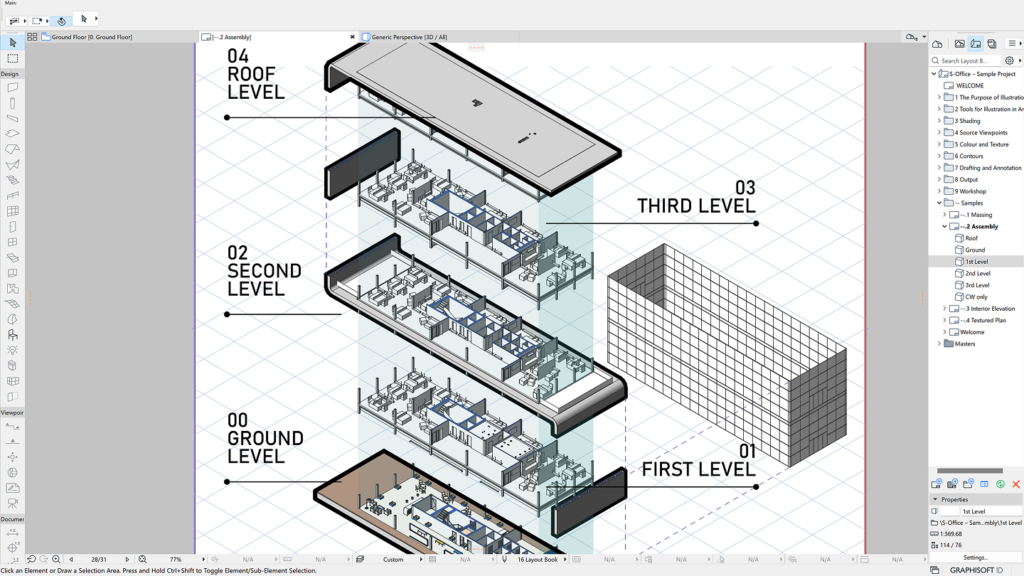
Archicad's 3D modeling workspace, from graphisoft.com
BIM$201/mo
Runs natively on Mac and Windows, with an interface architects generally find faster to pick up than Revit's. Smaller plugin ecosystem, but stronger Open BIM (IFC) interoperability if you're coordinating with non-Autodesk consultants.
View review & pricing →

Vectorworks desktop interface, from vectorworks.net
BIM$127.50/mo
Strongest fit for landscape, interiors and entertainment design, with a hybrid 2D/3D workflow and built-in Renderworks rendering. Less of a general-purpose Revit competitor, more the right tool when your work leans into one of those specialties.
View review & pricing →
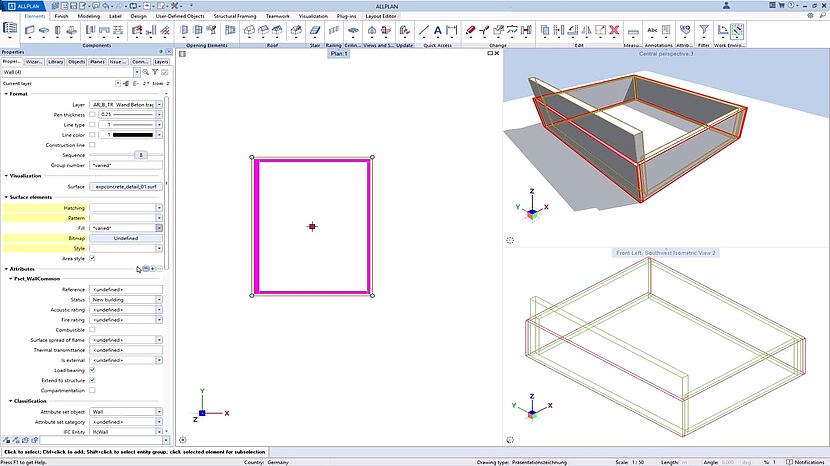
Allplan 2026's wall creation interface, from allplan.com
BIM$290/mo
Built for structural engineering and precast concrete detailing, with a stronger foothold among structural-heavy firms in Europe than in North America. Worth evaluating specifically if precast is a meaningful part of your workflow.
View review & pricing →
Common Questions
Choosing a BIM Platform
What's the real difference between Revit and Archicad?
Both are full BIM platforms with comparable core modeling and documentation power. The practical differences: Revit is Windows-only but has the largest plugin ecosystem, the biggest talent pool to hire from, and the deepest ties into the rest of the Autodesk stack (AutoCAD, Civil 3D, Autodesk Construction Cloud). Archicad runs natively on Mac and Windows, is generally considered faster to onboard new staff on, and has a smaller but still capable ecosystem. If your team is Mac-based or values a gentler learning curve, that alone can tip the decision.
Do I need BIM if I'm a small or solo practice?
Not necessarily. Full BIM pays off most on projects with real multidisciplinary coordination — architecture, structure and MEP all touching the same model. A solo practitioner doing small residential work is often better served by something lighter like SketchUp, which costs a fraction of a Revit or Archicad license and has a much shorter learning curve.
Why would a firm choose Vectorworks or Allplan over Revit or Archicad?
Usually because of a specific discipline fit rather than general BIM power. Vectorworks has genuinely strong dedicated tools for landscape architecture and entertainment/stage design that neither Revit nor Archicad match out of the box. Allplan is built around structural engineering and precast concrete detailing and has a stronger foothold with structural-heavy firms in Europe. Pick these when your work leans into their specialty, not as a general-purpose default.
Can I switch BIM platforms later without starting over?
Technically yes via IFC export/import, but expect real friction. Family libraries, templates, sheet standards and staff habits don't transfer cleanly between platforms, and every vendor's IFC implementation has quirks. Most firms that switch do it once, deliberately, rather than treating it as a reversible decision.
See these side by side
Compare pricing, features and trials for Revit, Archicad and Vectorworks in one view.
Compare now →
Pricing and feature claims were verified directly on each vendor's own site in September 2026 and may change — always confirm current pricing before buying.