5 min read · Updated Sept 2026
The whiteboard-and-paper-trail approach doesn't scale past a handful of concurrent projects. So most firms reach for construction management software. And that's where they make the expensive mistake: comparing feature checklists.
Almost every platform in this category covers the same baseline — RFIs, submittals, daily logs. Checklists won't separate them. The honest differentiator is project type and scale: a large commercial GC and a residential remodeler need genuinely different tools, even though both are technically "construction management." A homebuilder buying Procore, or a commercial GC settling for a client-portal-first tool, is paying enterprise money for the wrong job.
Here's who's actually in this category, and who each one is for — all pulled from our directory, pricing verified on each vendor's site.
Field & Construction Ops Platforms
All four handle field coordination at some level. The real differences: commercial vs residential, how deep the financial tools go, and whether the field needs to work against a live model.
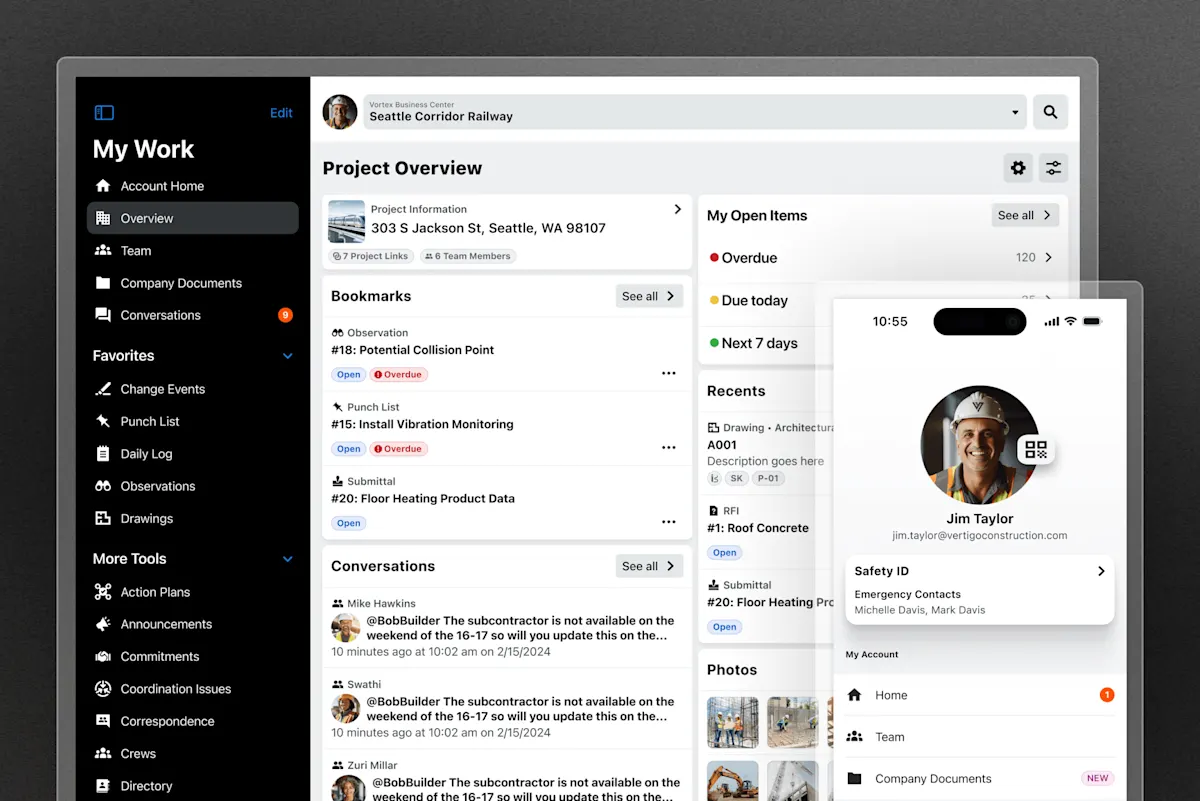
Procore's unified construction platform interface, from procore.com
EnterpriseCustom quote
The full construction management platform: RFIs, submittals, field issues, financials — plus the largest third-party integration ecosystem in the category. It's the default choice for larger commercial GCs, and "default" here isn't faint praise — a widely-used standard means multiple trades and consultants can work in the same system from day one, which matters more than any feature row.
View review & pricing →

Buildertrend's project scheduling interface, from buildertrend.com
HomebuildingCustom quote
Purpose-built for homebuilders and remodelers: scheduling, budgeting, and a client communication portal. That portal is the point — residential clients expect to log in and see photos, timelines and selections. A commercial GC generally doesn't need it, and shouldn't pay for it.
View review & pricing →
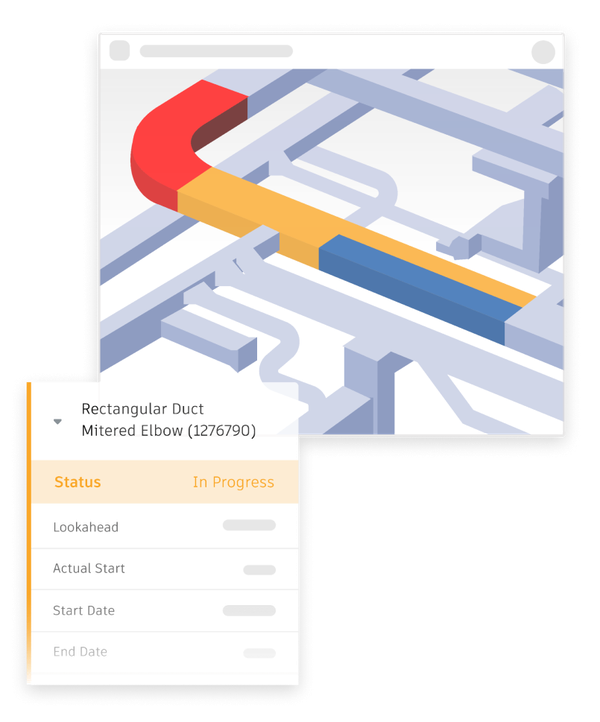
Autodesk Forma's model coordination workflow (formerly Autodesk Construction Cloud), from construction.autodesk.com
Model Coordination$307/mo
Model coordination, document management and field issue tracking built on Autodesk's cloud data environment (formerly sold as Autodesk Construction Cloud). This is the natural fit when the field needs to work directly against a live Revit model instead of a set of exported drawings that were stale the moment they were printed. If your projects are model-driven, this decision makes itself.
View review & pricing →
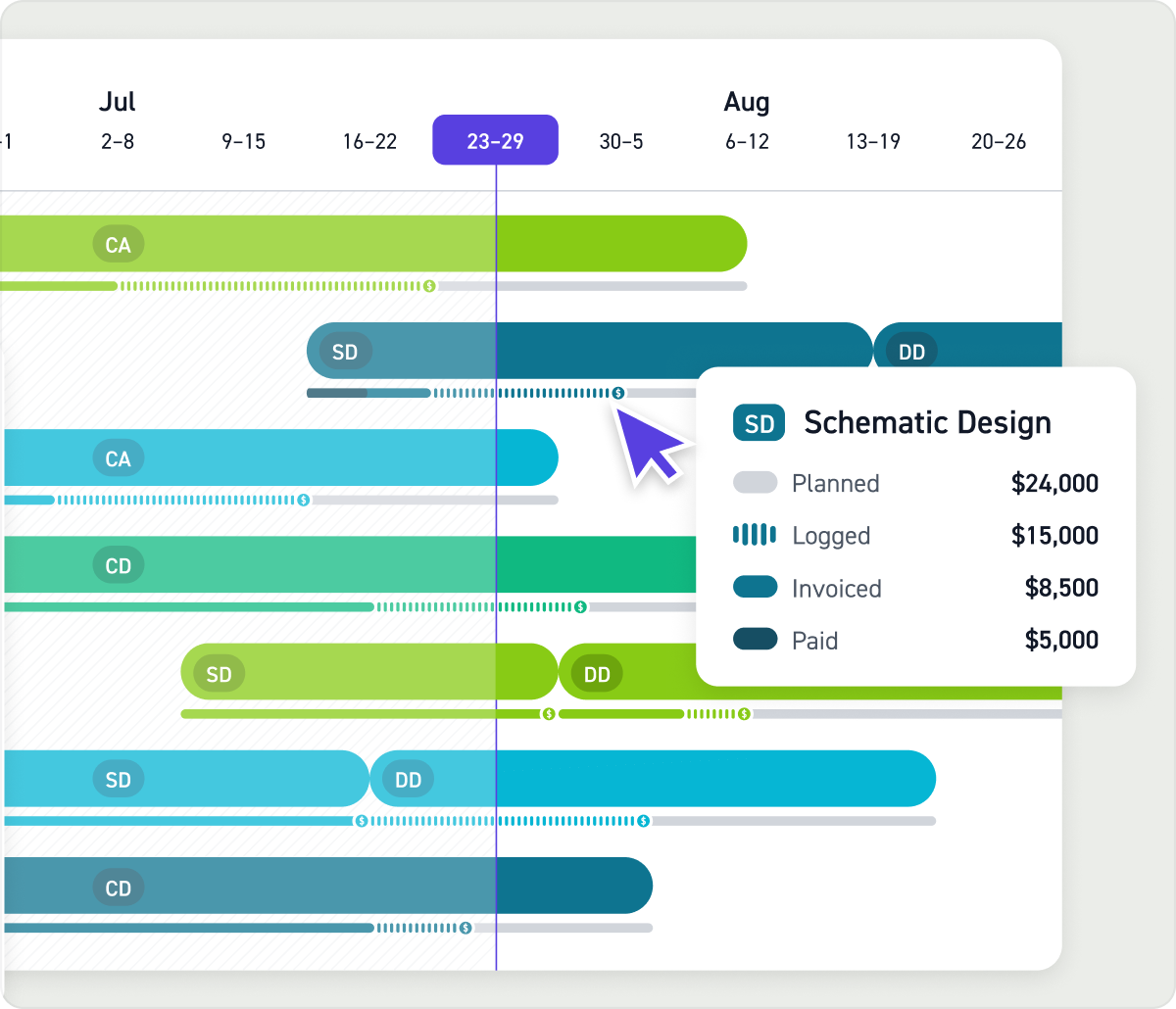
Monograph's firm management interface, from monograph.com
Studio OpsUsage-based
The honest answer up front: this is a design-side tool, not a field tool. It belongs in this conversation for one specific situation — an architecture firm tracking its own fee and staff time against a GC's field schedule. If you're a GC, skip this one; if you're the architect trying to keep your budget from quietly bleeding across the GC's timeline, it's exactly right.
View review & pricing →
Decision Steps
How to Actually Pick
Before you book a single sales call:
- Name your project type out loud. Commercial GC → Procore. Homebuilder or remodeler → Buildertrend. Revit-driven model coordination → Forma. Architect tracking fees → Monograph. Most firms already know which sentence is theirs.
- Budget for the implementation, not just the license. Procore is typically custom-quoted based on project volume, and Forma sits at $307/mo in our directory — but none of these are "buy it and go" purchases. Expect a sales conversation and a real onboarding period before the tool is fully in use. The software is the visible cost; the rollout is the one that surprises people.
- Ask your subs what they already use. The best construction management platform is the one your trades will actually log into. A tool nobody on site opens is a very expensive filing cabinet.
Common Questions
Picking a Construction Management Tool
Procore or Buildertrend — which one for my project type?
Procore is built for commercial and larger-scale construction — RFIs, submittals, field issues and financials at enterprise scope, with a big third-party integration marketplace. Buildertrend targets homebuilders and remodelers specifically, with scheduling, budgeting, and a client-facing communication portal that residential clients expect and commercial GCs generally don't need.
What does Autodesk Forma add that Procore doesn't have?
Forma (formerly Autodesk Construction Cloud) is built around model coordination — the natural fit when your field team needs to work directly against the architect's live Revit model rather than exported drawings. Procore is more general-purpose and construction-management-first, with a larger partner ecosystem outside the Autodesk world.
Is Monograph relevant to a general contractor?
Not really — it's a design-studio tool for architecture and engineering firms tracking fee and staff time. It only enters the construction-management conversation when the architect on a project is tracking their own budget against the GC's field schedule.
How much does construction management software cost?
Procore and Buildertrend are custom-quoted rather than published as a per-seat price — expect a sales conversation. Autodesk Forma is listed in our directory at $307/mo. Either way, budget time for a sales call and a real implementation period before the tool is fully in use.
Construction management software isn't one category — it's at least three, wearing the same name. Pick by project type, not by feature count, and budget for the rollout rather than the sticker. The firms that get this right stop losing RFIs in inboxes and start knowing what happened on site yesterday without making a phone call.
Pricing and feature claims were verified directly on each vendor's own site in September 2026 and may change — always confirm current pricing before buying.