Jobber is field service management software founded in 2011 in Edmonton, Canada by Sam Pillar (CEO) and Forrest Zeisler (CTO), after seeing how much admin work a friend's painting business was drowning in compared to actual billable work. It has since grown into an all-in-one platform for home and commercial service businesses -- more than 400,000 service pros across 50-plus trades now use it, from solo operators to multi-crew operations serving over 34 million properties in 60-plus countries.
Unlike the BIM/AEC-focused tools most of this catalog covers, Jobber is built for the field-service side of construction and property trades: quoting, scheduling and dispatching crews, invoicing and collecting payment, client communication, and (on paid tiers) automated reminders, QuickBooks Online sync and an AI assistant that helps price jobs and flag upsell opportunities. It explicitly serves general contracting, construction and renovation, HVAC, plumbing, electrical, landscaping, roofing and cleaning businesses, among other trades.
Pricing is published directly on getjobber.com with three self-serve, 1-user plans billed annually -- Core at $29/mo, Connect at $99/mo and Grow at $149/mo -- each unlocking more automation and reporting, plus optional add-ons (an AI receptionist, a marketing-suite plan and a sales pipeline tool). A free trial requires no credit card.
Aimed squarely at small and growing service businesses rather than software-savvy office teams, so the core workflow -- quote, schedule, invoice, get paid -- is built to be usable without formal training. Deeper features like workflow automations, job costing and the AI assistant take more time to configure well as a business scales past a single crew.
Key Features
✓Quoting, Scheduling & Dispatching in One Platform
✓Client Manager (CRM) with Two-Way SMS
✓Online Invoicing & Payment Processing
✓Automated Client Reminders & Follow-Ups
✓QuickBooks Online Sync
✓Jobber AI for Pricing & Job Assistance
Pros
Clear, published self-serve pricingThree named plans with real dollar amounts on getjobber.com, unlike many enterprise construction-software vendors that only offer "contact sales."
No-credit-card free trialLets a business try the actual product before committing to a plan or add-on.
Built specifically for field trades, not generic PMQuoting, dispatching, client communication and payments are designed around crews working at customer properties, not office-based project teams.
Mobile-first for field teamsA top-rated mobile app is central to the product, not an afterthought bolted onto a desktop tool.
QuickBooks Online sync on mid/top tiersRemoves a common manual double-entry step between job invoicing and bookkeeping.
100+ integrations via an app marketplaceA public developer center and marketplace extend the platform beyond Jobber's own built-in features.
Cons
Priced and built per single userEach of the three core plans is quoted as "1 user" -- a multi-crew business needs to check actual per-seat costs at scale, not just the headline monthly price.
Not an AEC/BIM toolIt has no model coordination, drawing or design features -- it's purely for running the business side of field-service and trade work, a different category from most of this catalog.
Advanced automation locked to higher tiersAutomated reminders, follow-ups and payment collection require the Connect plan or above, not the entry Core tier.
AI features and marketing tools are paid add-onsThe AI receptionist ($29/mo), marketing suite ($99/mo) and sales pipeline ($49/mo) sit on top of the base plan price, not included in it.
Screenshots
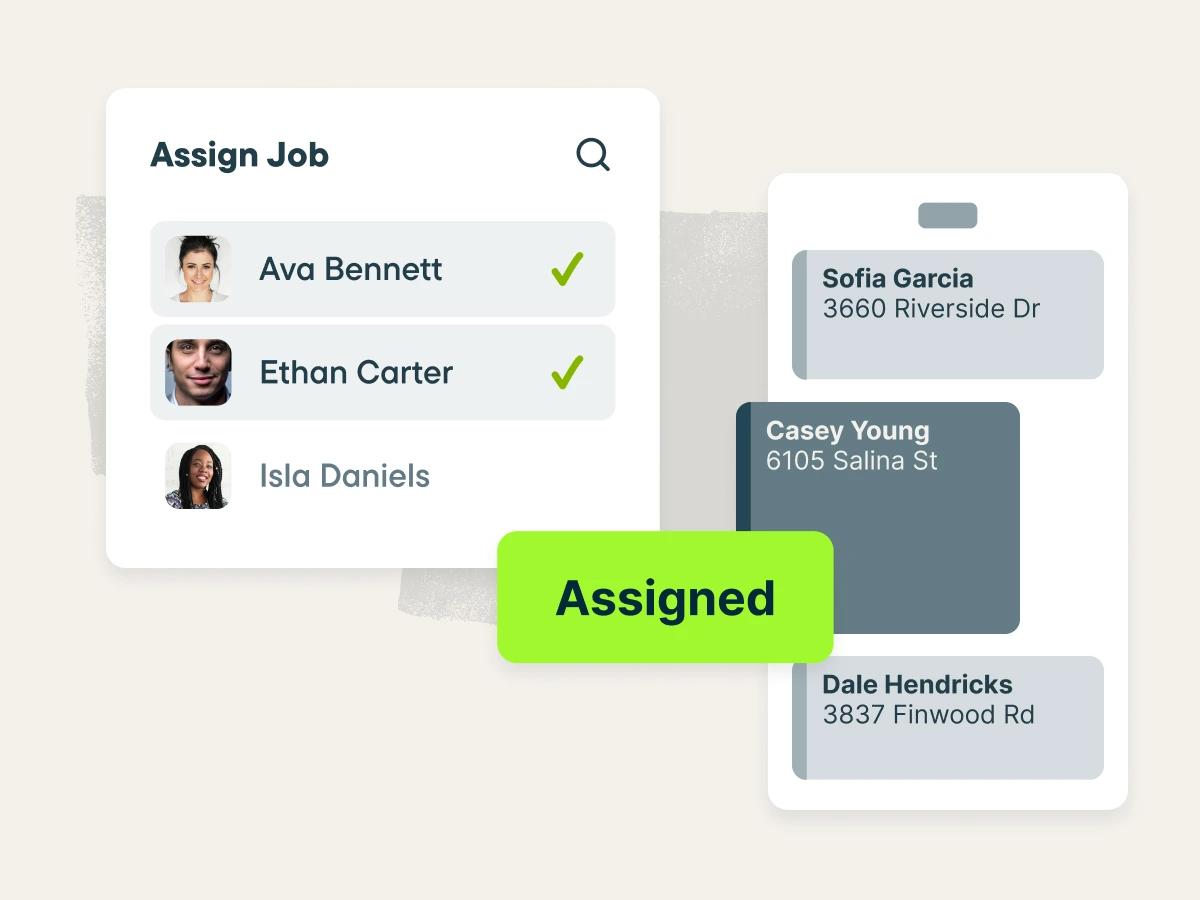
🖼 Jobber's scheduling and dispatching calendar, from getjobber.com
Common Feature Checklist
Cloud / Web Access✓ Yes
Real-Time CollaborationNot confirmed
Mobile App✓ Yes
Free Educational LicenseNot confirmed
Public API / Integrations✓ Yes
Best For
Solo operators and small crews in home/commercial service tradesConstruction and renovation, general contracting, HVAC, plumbing, electrical, roofing, landscaping and cleaning businesses are named use cases.
Businesses wanting quoting-to-payment in one systemReplaces juggling separate quoting, scheduling, invoicing and payment tools with one connected platform.
Field teams that need a strong mobile appCrews can manage jobs, checklists and invoicing directly from the field rather than routing everything through a back office.
Consider Alternatives If
You need BIM/model coordination, not field-service opsJobber has no design or model-coordination features -- Navisworks, Revizto or similar tools cover that ground instead.
You're a larger general contractor needing full construction PMProcore or Buildertrend are built around larger project teams and construction-specific workflows rather than single-crew field service.
You need per-seat pricing for a bigger multi-crew teamConfirm actual multi-user costs directly with Jobber before assuming the published 1-user prices scale linearly.
Frequently Asked Questions
Is Jobber free?
No, but it offers a free trial with no credit card required. Paid plans start at $29/mo (Core, billed annually, 1 user).
Is Jobber built for architecture or BIM work?
No -- it's field service management software for trades like construction, HVAC, plumbing, electrical, landscaping and cleaning, covering quoting, scheduling, invoicing and payments rather than design or model coordination.
Does Jobber sync with accounting software?
Yes -- it syncs with QuickBooks Online on the Connect and Grow plans.
Who founded Jobber and when?
Sam Pillar (CEO) and Forrest Zeisler (CTO) founded Jobber in 2011 in Edmonton, Canada.
Community Rating
☆☆☆☆☆No ratings yet
Be the first to rate it
Thanks for rating Jobber!
Pricing
Free trial available
$29/mo (Core); $99/mo (Connect); $149/mo (Grow) — billed annually, 1 user each
Pricing found on Jobber's own site in September 2026. Software pricing changes often — always confirm the current price on the vendor's site before buying.
Score Profile Prototype
Price6/10$29-149/mo sits in the "mid" price band in our catalog — draft estimate.
Learning Curve8/10Built for small field-service businesses with simple onboarding — draft estimate.
IFC / openBIM0/10A field-service scheduling/invoicing tool, unrelated to BIM or IFC — draft estimate.
Collaboration5.5/10Team scheduling and dispatch features support coordination — draft estimate.
Plugins4/10Integrates with QuickBooks and a few other small-business tools — draft estimate.
This is a prototype, not a published score. Only the Price axis is derived from a verified catalog field (priceBand); the other axes are draft editorial estimates awaiting vendor/third-party sourcing before this ships publicly.