
Revit LT
A cost-reduced edition of Revit's core BIM tools for solo practitioners and small firms — best for small firms and individuals, without the API/add-in support of full Revit.
Revit LT is Autodesk's cost-reduced edition of Revit, aimed at solo practitioners and small firms that want core BIM modeling and documentation tools without the API/add-in support, worksharing and full analysis toolset of full Revit. It's licensed per-user rather than for large multi-discipline teams, and is sometimes bundled with AutoCAD LT.
It's a genuinely good entry point into BIM rather than a full substitute for Revit on complex, multi-team projects, inheriting full Revit's ease of use and dynamic model updating from the same core engine.
Revit LT's target buyer is distinct and well-defined: solo architects, small residential practices, interior designers, and small firms that need real parametric BIM (rather than 2D-only drafting or general 3D modeling like SketchUp) but whose project scale doesn't justify full Revit's per-seat cost or its worksharing/API complexity. That's a meaningfully different profile than the mid-to-large multidisciplinary firms full Revit is built for, and Autodesk's pricing and feature-gating reflect that segmentation deliberately rather than accidentally.
The tradeoff is exactly what the lower price implies: it lacks some modeling tools (like floor-shape editing) and the depth needed for large, complex or heavily coordinated projects, positioning it clearly as the small-firm/solo option rather than a scaled-down version with no real limitations.
At $47/month billed annually ($560/year), Revit LT sits in the mid price band of this catalog and considerably below full Revit's $251/month -- a meaningful difference for a solo practitioner or small studio weighing whether they actually need full Revit's worksharing and API capabilities, or whether LT's core modeling and documentation toolset covers their actual project scope. Autodesk also offers an AutoCAD LT + Revit LT suite bundle, letting small firms cover both 2D drafting and core BIM authoring under one combined license.
Because Revit LT shares its core modeling engine with full Revit, files created in LT open cleanly in full Revit, and vice versa (with the caveat that certain full-Revit-only features won't be available while working in LT) -- that shared file format matters for firms that expect to eventually outgrow LT and upgrade to full Revit, since there's no costly re-platforming or file-conversion step required when that transition happens.
compareFeatures in this catalog confirms Revit LT lacks real-time collaboration (worksharing) and API/add-in support, which is the core tradeoff versus full Revit -- LT is built around a single user working on a project at a time, with cloud model sharing available for basic file handoff rather than true simultaneous multi-user editing inside the same live model.
That single-user design isn't purely a limitation, though -- for its actual target buyer (a solo practitioner or a two-to-three-person studio), the absence of worksharing infrastructure is largely irrelevant, since there's no large team needing to co-edit a central model simultaneously in the first place. The feature gap only becomes a real constraint at the point a firm's team size or project complexity actually requires true multi-user collaboration, which is precisely the signal Autodesk intends as the upgrade trigger to full Revit.
Editor’s takeThe BIM•STACK editor recommends Revit LT specifically for solo practitioners and small offices that don't need to workshare or coordinate live with outside structural/MEP consultants inside the same BIM model -- for that exact profile, it delivers full Revit's core modeling and documentation at a fraction of the cost. The moment a project needs real multi-consultant BIM collaboration, though, that's the signal to move up to full Revit rather than trying to make LT stretch to fit.
Easier to learn than full Revit -- a solid entry point for teams and individuals new to BIM without the complexity of the full toolset. Because LT strips out worksharing, the API/add-in layer, and some of the more advanced analysis and modeling tools, new users have a smaller overall surface area to learn before reaching productive use, which shortens the ramp-up considerably compared to full Revit's one-to-two-year proficiency timeline.
For a firm planning to eventually move a staff member from LT up to full Revit, the transition is relatively smooth precisely because the underlying modeling concepts (walls, families, levels, views generated from one model) are identical -- what that person needs to learn at that point is the additional layer of worksharing, API/add-in usage, and advanced analysis tools, not a new modeling paradigm from scratch.
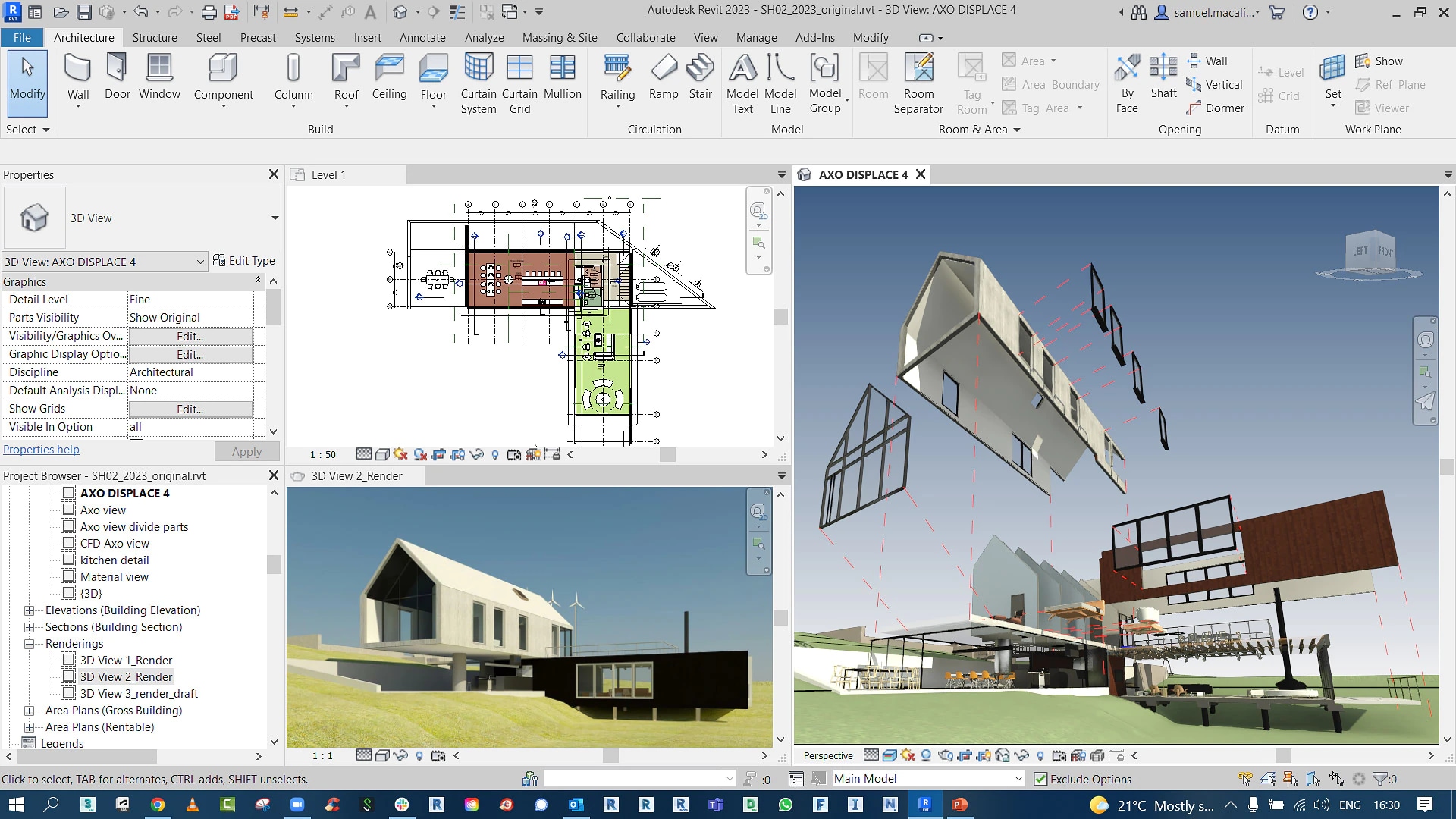
- Solo practitioners and small firmsThe exact audience it's licensed and priced for.
- Teams new to BIM wanting an approachable entry pointA good way to learn BIM fundamentals before (or instead of) committing to full Revit.
- On-the-go documentation during client meetings or site visitsSuits lighter, mobile use cases well.
- You need API/add-in support or custom automationThis is a hard limitation of Revit LT -- full Revit is required if plugins or custom scripting are part of your workflow.
- You're coordinating a large multi-discipline teamRevit LT isn't built for the worksharing depth larger, more complex projects need -- full Revit is the appropriate tier.
- You need advanced modeling tools like floor-shape editingConfirm your typical project needs against Revit LT's toolset before downgrading from full Revit.
What's the difference between Revit and Revit LT?
Revit LT drops the API/add-in ecosystem, full worksharing/collaboration tools, and some modeling capabilities (like floor-shape editing) in exchange for a significantly lower price, aimed at solo practitioners and small firms.
Is Revit LT good for beginners?
Yes -- it's easier to learn than full Revit and works well as a solid entry point into BIM.
Can Revit LT open full Revit files?
Revit LT and full Revit share the same underlying file format, though LT can't use or edit elements that depend on full Revit's advanced features.
Does Revit LT support plugins?
No -- it lacks the API and add-in support that full Revit's plugin ecosystem depends on.
