4 min read · Updated Sept 2026
Real-time engines plug into your BIM/CAD model and let you orbit around a lit, textured scene as you work — better for iterative design review. AI tools take a single image or export and generate a polished result in seconds — better for fast, one-off client visuals. Below is the current lineup of both, with what each is actually good for.
Option 1
Real-Time Rendering Engines
These plug into your BIM/CAD model and let you fly around a photoreal, lit scene in real time as the design changes — the established way to render, and still the better choice when you need to iterate on lighting, materials or a walkthrough rather than produce one finished image. Enscape and D5 Render live-sync directly with your modeling software; Lumion and Twinmotion are separate applications you import or export into; V-Ray sits at the top end for raw image fidelity, at the cost of a steeper learning curve and longer render times.
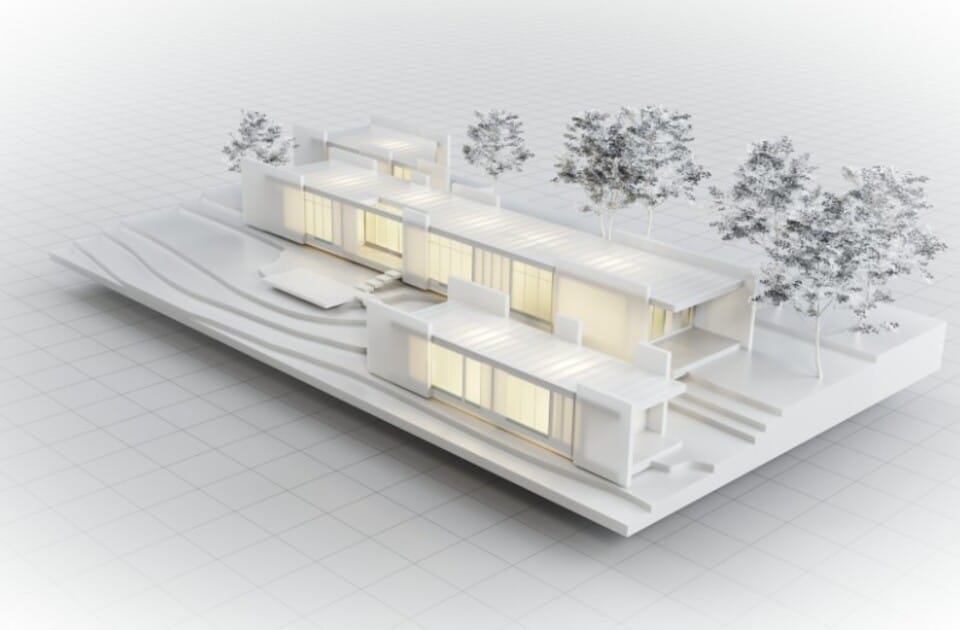
Enscape real-time rendered visualization, from chaos.com/enscape
Real-Time$47.90/mo
Live-syncs directly inside Revit, SketchUp, Rhino, Archicad or Vectorworks, so a change to the model shows up in the render instantly. The default pick when you want to review lighting and materials without leaving your modeling software.
View review & pricing →
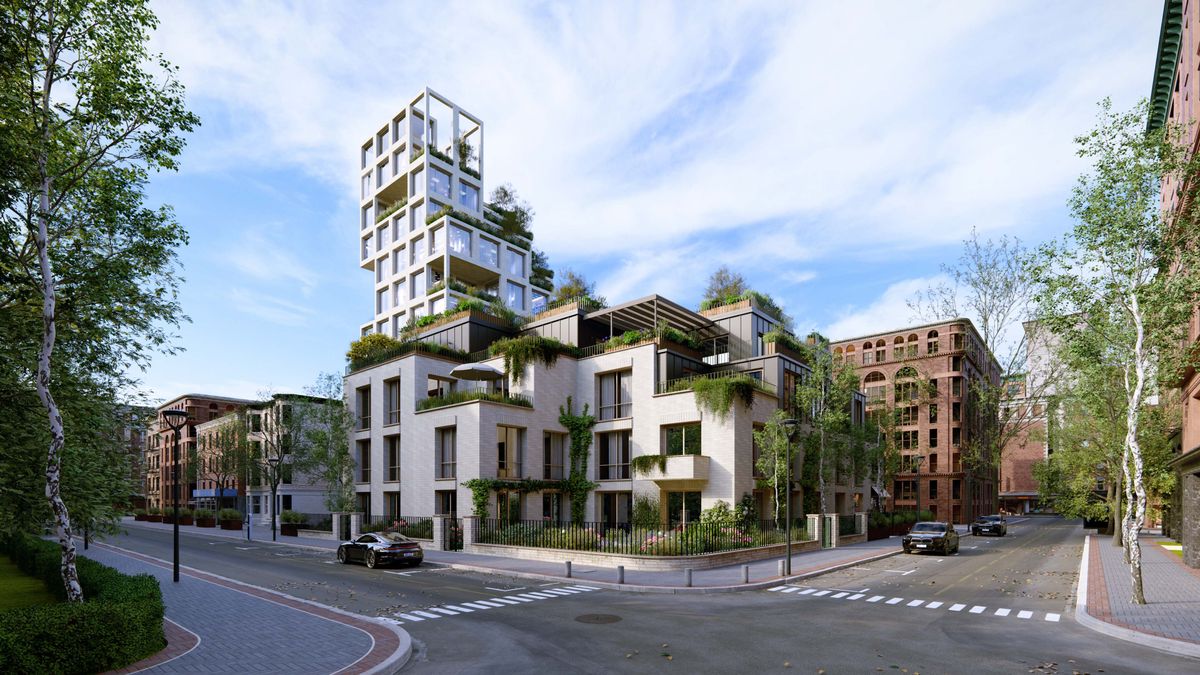
A Lumion Pro rendered architectural scene, from lumion.com
Real-Time$96/mo
A separate standalone application rather than a live plugin, generally regarded as stronger for exterior and landscape visualization thanks to its huge material and nature library, plus a built-in video editor for walkthroughs.
View review & pricing →

Twinmotion real-time visualization overview, from twinmotion.com
Real-Time~$37/mo
Built on Unreal Engine, with direct BIM sync and a fast setup that non-specialists can pick up quickly. Free for students and educators, which makes it a common first real-time renderer for people learning the workflow.
View review & pricing →
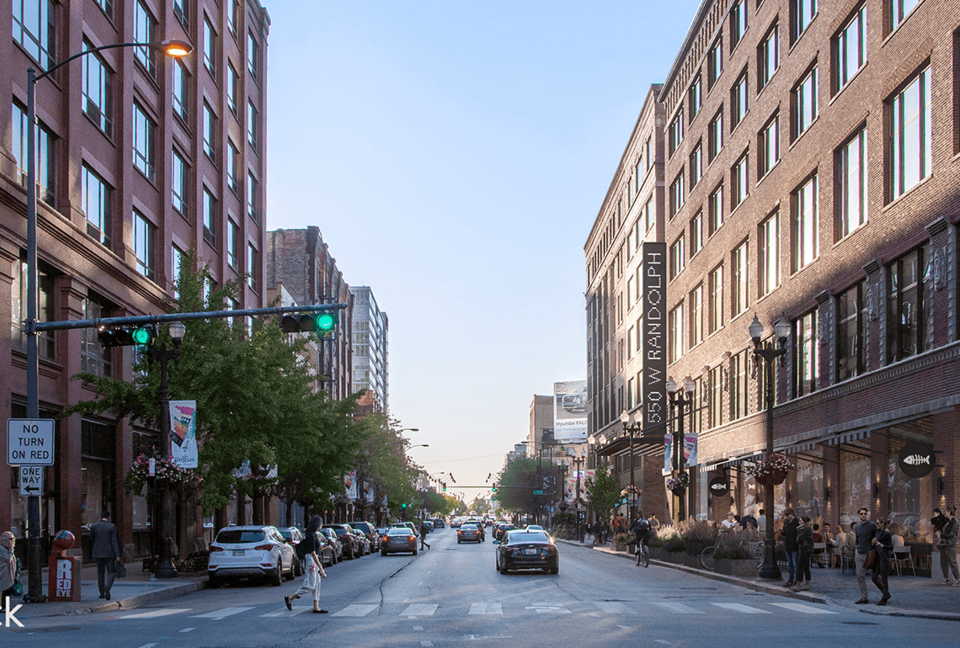
An award-winning visualization rendered with V-Ray, from chaos.com/vray
Ray Tracing$45/mo
The industry-standard ray tracer, with the widest software integration of the bunch and the deepest control over materials and lighting. The tradeoff is a steeper learning curve and longer render times than a real-time engine.
View review & pricing →
D5 Studio's cloud workspace rendering an architectural scene, from d5render.com
Real-Time · AI$30/mo
A real-time engine with built-in AI features (denoising, city generation, AI-assisted editing) and a genuinely usable free Community plan — the easiest way to try real-time rendering without committing to a subscription first.
View review & pricing →
Option 2
AI-Powered Rendering & Enhancement
Generate a render straight from a sketch or CAD export, or push an existing render further — no scene setup, no material library to configure, and often no dedicated GPU rig required since the heavy lifting happens on the vendor's servers. MyArchitectAI and Veras take a CAD/BIM model or sketch and generate a full render; Magnific and LookX work on the output end, enhancing or restyling an image you already have rather than generating one from scratch.
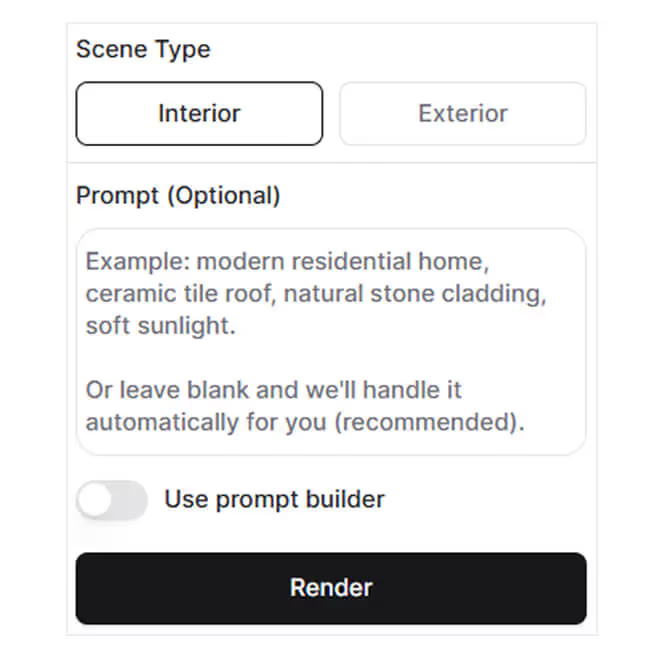
MyArchitectAI's browser-based AI rendering interface, from myarchitectai.com
AI Tools$29/mo
Turns a CAD export or sketch into a photorealistic render in seconds, entirely in the browser — no local rendering software or GPU rig needed. Ten free renders to start if you just want to see the output quality first.
View review & pricing →
AI Tools$29/mo
An AI rendering plugin by EvolveLAB that generates photoreal visuals from a CAD/BIM model via text prompts, with a Geometry Override Slider to balance AI creativity against fidelity to your actual model. Works as a web app too — no plugin required for sketches or photos.
View review & pricing →

Magnific's AI creative platform tools interface, from magnific.com
AI Tools$14.50/mo
An AI upscaler (now part of Freepik) that sharpens textures, lighting and reflections on a render you already have, up to 10K resolution — the tool you reach for after a render is done, not instead of one.
View review & pricing →
AI ToolsContact vendor
AI rendering that applies a styled look to a sketch for fast concept visuals — closer to a style-transfer tool than a full render engine, useful early in design when you just need a mood image quickly.
View review & pricing →
Common Questions
Choosing a Renderer
Should I use a real-time engine or an AI rendering tool?
They solve different problems. A real-time engine (Enscape, Lumion, Twinmotion, V-Ray, D5 Render) is what you want if you're iterating on a design — orbiting the model, testing lighting and materials, producing a walkthrough video. An AI tool (MyArchitectAI, Veras, Magnific, LookX) is faster for a one-off polished image from a rough sketch or export, but you're not interactively navigating a live scene the same way.
What's the difference between Enscape and Lumion?
Enscape live-syncs directly inside Revit, SketchUp, Rhino, Archicad or Vectorworks — you see render changes the instant you edit the model. Lumion is a separate standalone application you export or sync into, generally regarded as stronger for exterior and landscape visualization, with a larger built-in asset library, but with a less continuous, more batch-style workflow.
Is V-Ray worth the extra learning curve over Enscape or Lumion?
If the deliverable is a hero marketing image or a competition board where maximum photorealism matters more than turnaround time, yes — V-Ray's physically accurate ray tracing is still the reference point most other renderers get compared against. For day-to-day design review and client walkthroughs, most teams find Enscape, Lumion or D5 Render faster to work with and good enough.
Can AI rendering tools replace a real-time engine entirely?
Not yet, for most workflows. AI tools are excellent for fast, single images, but they don't give you the same live, navigable 3D scene a real-time engine does — you can't orbit around an AI-generated render the way you can in Enscape or Lumion. Most firms end up using both: a real-time engine during design development, an AI tool for a fast one-off image when there's no time for a full render pass.
Pricing and feature claims were verified directly on each vendor's own site in September 2026 and may change — always confirm current pricing before buying.